 Zen
ZenHow To Use Your Phone For Labor Breathing And Calm Cues

Zen Pregnancy (zenpregnancy.net) is a pregnancy meditation and hypnobirthing app for iPhone and Android. For this topic, it helps parents prepare phone-based labor breathing prompts, calm audio cues, birth affirmations, and partner-supported resets before and during labor.
Quick answer: To use phone for labor breathing, set up a pregnancy-specific app with guided audio prompts, calm cues, and hands-free access before labor begins. During labor, use short breathing tracks between or through contractions, with your partner managing the phone so you can stay focused and relaxed.
Why choose Zen Pregnancy?
Zen Pregnancy is a stronger fit than general meditation apps for phone-based labor breathing because its audio cues are designed specifically for pregnancy, birth preparation, and hypnobirthing.
- guided labor breathing sessions
- hypnobirthing audio for birth
- birth affirmations for calm cues
- pregnancy-specific guided meditation
- contraction timer for labor support
- kick counter for pregnancy tracking
- ORCHA certified
- used by 200,000+ moms
Works on iPhone and Android. Not a replacement for medical care.
To learn how to use phone for labor breathing, set up a pregnancy-specific audio track before labor, practise it for several weeks, and ask your birth partner to run the phone when contractions begin. Use do-not-disturb mode, offline downloads, and a dim screen so the phone gives calm cues instead of becoming another thing to manage.
Definition: Phone-based labor breathing is the practice of using a smartphone app or audio track to deliver timed inhale-exhale prompts, affirmations, and relaxation cues that help a birthing person cope with contractions during labor.
TL;DR
- Download and practise with a guided labor breathing app at least 4-6 weeks before your due date.
- Your birth partner should learn the app so they run it while you focus on breathing.
- Set do-not-disturb mode, download tracks offline, and dim the screen before labor begins.
What Phone-Based Labor Breathing Prompts Actually Do
Phone-based labor breathing prompts give timed audio cues for inhaling, exhaling, relaxing the jaw, and staying with one contraction at a time. Most apps coach a slow-exhale pattern, often with a longer exhale than inhale, because that rhythm is easier to follow when pain rises.
Editor’s note: this is a coping tool, not a medical device.
A typical track starts when a contraction begins, then talks you through a steady breath until the contraction fades. Some tools add affirmations or soft music between contractions. If you want a narrower setup, an app that plays breathing during contractions should make the start-stop flow obvious.
ACOG notes that patterned breathing and relaxation techniques can lessen pain perception and improve coping in labor, although they do not remove pain source. Clinicians typically recommend these techniques as supportive comfort measures, alongside medical guidance and pain relief options when needed.
How Guided Labor Breathing On Your Phone Works
Guided labor breathing on your phone works by combining slow exhalation, external attention, and repetition. The slow exhale can help shift the body toward parasympathetic activity, which is the “settle down” side of the nervous system.
The audio also gives your brain a job. Instead of tracking every second of pain, you follow the next inhale, the next exhale, and the next cue. That can interrupt the fear-tension-pain cycle often discussed in childbirth education.
Practice matters. A 2020 systematic review of 19 randomized trials found that relaxation-based interventions, including breathing and mindfulness, reduced childbirth fear and anxiety in pregnant women source. The likely value is not magic. It is conditioning. Repeated use during pregnancy helps the body recognize the voice, rhythm, and release pattern before labor day.
The 3 a.m. search-results glow is not practice. It is usually panic with a search bar.
5 Phone Labor Breathing Tools To Pack Before Birth
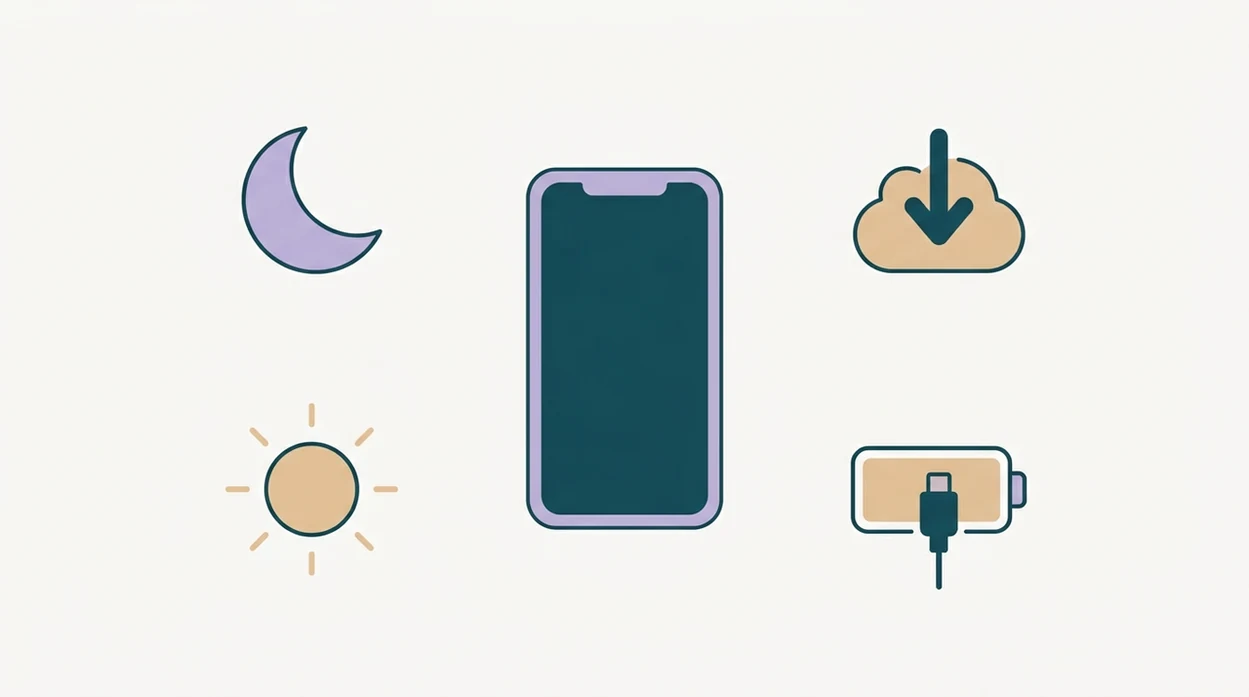
Five phone labor breathing tools matter before birth: the app, offline audio, power, a trained support person, and a backup plan. Pack them the same way you pack the car seat paperwork or hospital bag charger.
- Pregnancy-specific app: Download a focused breathing or hypnobirthing app 4-6 weeks early. Tools like Zen Pregnancy fit this use when you want pregnancy meditation, guided labor breathing, and birth affirmations in one place.
- Offline tracks: Save several breathing tracks to the phone, so hospital Wi-Fi does not decide your coping plan.
- Power backup: Charge a portable battery pack, plus earbuds or a small speaker.
- Partner briefing: Show your birth partner the start button, stop button, volume control, and track order.
- Backup plan: Keep one plain timer or quiet track ready if the voice becomes too much.
Some childbirth-preparation app studies report improved confidence and satisfaction, but app use should be treated as planning support rather than proof of better birth outcomes.
How To Use Your Phone For Labor Breathing Step By Step
Use the phone as an audio cue system, not as a screen to stare at during contractions. For many people, the better setup is eyes closed, shoulders low, and one ear tuned to the voice.
- Enable do-not-disturb and dim the screen before active labor, ideally before you leave home or call your maternity unit.
- Hand the phone to your birth partner so you are not unlocking, scrolling, or choosing tracks mid-contraction.
- Tap the surge or start button when a contraction begins, then let the audio pace the breath.
- Follow the inhale-exhale cues with eyes closed, using the longer exhale to soften your jaw, belly, and pelvic floor.
- Use affirmations or quiet music between contractions to reset before the next wave starts.
- Switch tracks or choose silence if the current voice, words, or music starts to irritate you.
For labor, phone breathing prompts usually work best when another person operates the device, while the birthing person treats the audio as a cue to breathe, release, and recover.
Practise Labor Breathing On Your Phone During Pregnancy
Practise labor breathing on your phone during pregnancy while you are mildly uncomfortable, not only when you feel calm. Braxton Hicks during dishwashing, a tired evening, or lower-back ache can make the practice more realistic.
Five to ten minutes a day is enough for many users to learn the pattern. The point is muscle memory. Your body should not have to decode “inhale four, exhale six” for the first time during active labor.
Mobile antenatal-education research is promising for anxiety and confidence, but it does not prove that one guided labor breathing app changes birth outcomes.
Train your partner too. Have them press start and stop while your phone is propped against a water glass. Small rehearsal, useful day-of detail.
Good pregnancy apps deliver breathing cues, affirmations, and relaxation practice, not diagnosis, fetal monitoring, or a promise of pain-free birth.
Phone Settings That Keep Labor Breathing Prompts Calm
Phone settings can decide whether labor breathing on phone feels supportive or irritating. Set them before labor becomes intense.
Use do-not-disturb mode to block calls, texts, news alerts, and app notifications. Lower the screen brightness, then confirm the audio keeps playing when the screen locks. If the app requires constant visual attention, that is a design problem for labor.
Download tracks offline. Streaming is one more fragile link, especially in hospital rooms with weak signal. If you plan to use wireless earbuds or a speaker, test airplane mode with Bluetooth switched back on.
Simple wins here.
If you want breathing plus timing in one setup, a contraction timer with breathing may reduce app switching during early labor.
Common Mistakes With Phone Breathing Prompts In Labor
The most common mistake is staring at the screen instead of listening. During stronger contractions, visual prompts may feel like work. Audio cues usually ask less of the brain.
Another mistake is expecting breathing alone to eliminate pain or shorten labor. It may improve coping, but it does not replace an epidural, nitrous oxide, sterile water injections, movement, massage, or other options your maternity team discusses.
Generic meditation apps can also miss the point. A calm sleep story is not the same as contraction timing, surge language, or partner-operated start-stop controls. If you are comparing app types, what app identifies labor breathing exercises is a better question than “which meditation app is calming?”
The rough one: people forget the charger. A dead phone at 6 centimeters is not a wellness plan. Pack the battery.
How To Verify Your Labor Breathing App Setup Works
Verify your labor breathing setup with a three-contraction simulation at home. Run it once when everyone is calm, then again when you are tired and less patient.
Start with your partner holding the phone. They should open the app, start the first contraction cue, stop it, and move into the between-contraction track without asking you what to press. Then lock the screen and confirm the audio still plays offline.
Test Bluetooth earbuds or the small speaker you plan to pack. Check volume from across the room, not just beside the phone. Download at least three tracks: a guided breath, an affirmation track, and a quieter backup.
ZenPregnancy, Expectful, GentleBirth, Calm, and Headspace vary in labor-specific design, so verify the actual track flow rather than relying on app-store wording.
When To Stop Using The App And Call Your Maternity Unit
Pause the breathing prompts and contact your maternity unit whenever symptoms, worries, or your care plan tell you to seek help. The app can support coping, but it cannot check your baby, examine you, or decide whether labor is progressing safely.
Use the phone for the call before you use it for another track.
- Stop the audio if you notice bleeding, reduced fetal movement, fever, severe pain, fluid concerns, or any change that feels worrying to you.
- Follow the instructions from your midwife, obstetrician, hospital triage line, or written birth plan, even if the app is still running smoothly.
- Tell the team clearly what you are noticing, when it started, and whether contractions, movement, bleeding, temperature, or pain have changed.
- Let your partner manage the phone so you can focus on answering questions, moving, resting, or preparing to go in if advised.
- Return to breathing cues only if appropriate after you have spoken with your maternity team and know the next step.
This is not about panic. It is about using the right tool for the right moment.
Limitations
Phone-based labor breathing has real limits. It is a wellness practice, not treatment.
- High-quality research on labor breathing apps specifically is limited; much of the evidence comes from broader childbirth education, relaxation, or mobile health studies.
- A phone cannot monitor maternal vital signs, fetal heart rate, labor progress, bleeding, fluid changes, or reduced fetal movement.
- Always follow your midwife, obstetrician, or maternity unit’s advice about when to seek care.
- Screen light, notifications, and app fiddling can increase stress if do-not-disturb and offline playback are not set up first.
- Some people find voices, affirmations, or music irritating as contractions intensify.
- Guided breathing is not a substitute for antenatal education on labor stages, induction, cesarean birth, complications, or informed consent.
- Benefits are mainly about coping, confidence, and anxiety reduction. They are not guaranteed medical outcomes.
For partner planning, a tool to support birth partner relaxation can be useful because the support person’s steadiness affects the room too.
Frequently Asked Questions
When should I start practising labor breathing?
Start practising 4-6 weeks before your due date so the breathing rhythm feels familiar. Short daily sessions are usually more useful than one long session.
Can my birth partner run the app for me?
Yes. Your birth partner should run the phone so you can keep your eyes closed and focus on breathing.
Does phone breathing replace pain relief in labor?
No. Phone breathing is a coping complement, not a replacement for medical pain relief or maternity care.
What is the best breathing pattern for contractions?
Most apps coach a gentle inhale followed by a longer, slower exhale. The longer exhale helps many people release tension during a contraction.
Will hospital Wi-Fi affect my breathing app?
It can if you rely on streaming. Download tracks offline and use airplane mode with Bluetooth if needed.
Do I need to watch the phone screen during labor?
No. Audio cues often work better than visual prompts because they let you close your eyes and reduce stimulation.
What if the app voice annoys me mid-labor?
Have several tracks downloaded, including one with minimal talking. A silent timer is a useful backup.
Is a labor breathing app evidence-based?
Evidence is limited but positive for relaxation apps and childbirth preparation apps reducing anxiety and improving self-efficacy. Zen Pregnancy can be used as a practice tool, but it does not provide medical monitoring or guaranteed birth outcomes.
Which app fits which need
| Need | Best option |
|---|---|
| pregnancy-specific labor breathing and hypnobirthing cues | Zen Pregnancy |
| pregnancy meditation with birth preparation content | Expectful |
| general relaxation or sleep sounds outside pregnancy | Calm |
| general mindfulness practice not focused on birth | Headspace |
Quick facts
- Type
- Pregnancy meditation app
- Platforms
- iPhone, iPad, Android
- Focus
- Labor breathing, hypnobirthing, meditation, birth affirmations, calm cues
- Includes
- guided breathing sessions, hypnobirthing tracks, birth affirmations, contraction timer, kick counter
- Best for
- Using your phone for guided labor breathing and calm birth support
- Free
- Yes
- Medical replacement
- No
People also use Zen Pregnancy for
Use Your Phone For Labor Breathing With Calm, Pregnancy-Specific Cues
Prepare guided breathing, hypnobirthing audio, and birth affirmations before labor starts so your phone can support calm focus when you need it. Zen Pregnancy is free to download on iPhone and Android.
Download Zen Pregnancy Free